Replace the paper cards. Keep the conversation.
Run your singles event from one guest list.
Invitations, QR check-in, icebreakers, Bingo and end-of-night picks on every guest’s phone. Your rotations and ticketing stay as they are.
Events are on Pro. Bingo and Icebreaker Cards start free, for mixers, teams and office parties too.
Try Pro free for 14 days, then $29 a month. Guests never pay.

You already know
the paper kit.
Name tags, prompt cards, Bingo grids, scorecards collected at the exit. It works, and it scales badly: reprinting, lost slips, and hours typing up contact details.
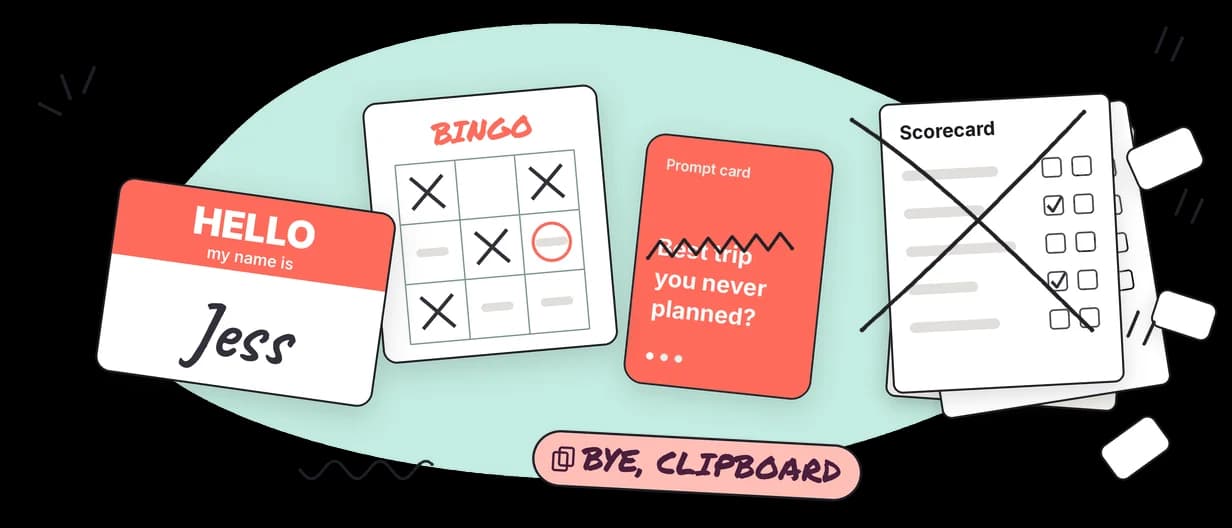
Instead of
scorecards collected at the exitEnd-of-night picks
Guests choose who they’d like to stay in touch with, mutual or one-way. Pro events.
Instead of
a clipboard at the doorCheck-in
Scan the QR code from each guest’s invite, or tick them off the list. Pro events.
Instead of
printed prompt cardsIcebreaker Cards
One shared question on every phone in the group. Turn the card and it changes for everyone.
Instead of
Bingo sheets and pensIcebreaker Bingo
A different card for every guest. They tap a square, add who it fits, and call Bingo for you to review.
A singles event
on Pro.
Each guest gets an event page with your announcements, the games and, at the end, their picks.
Who did you click with?
Pick the people you’d like to stay in touch with.
- Sam
- Priya
- Alex Not picked
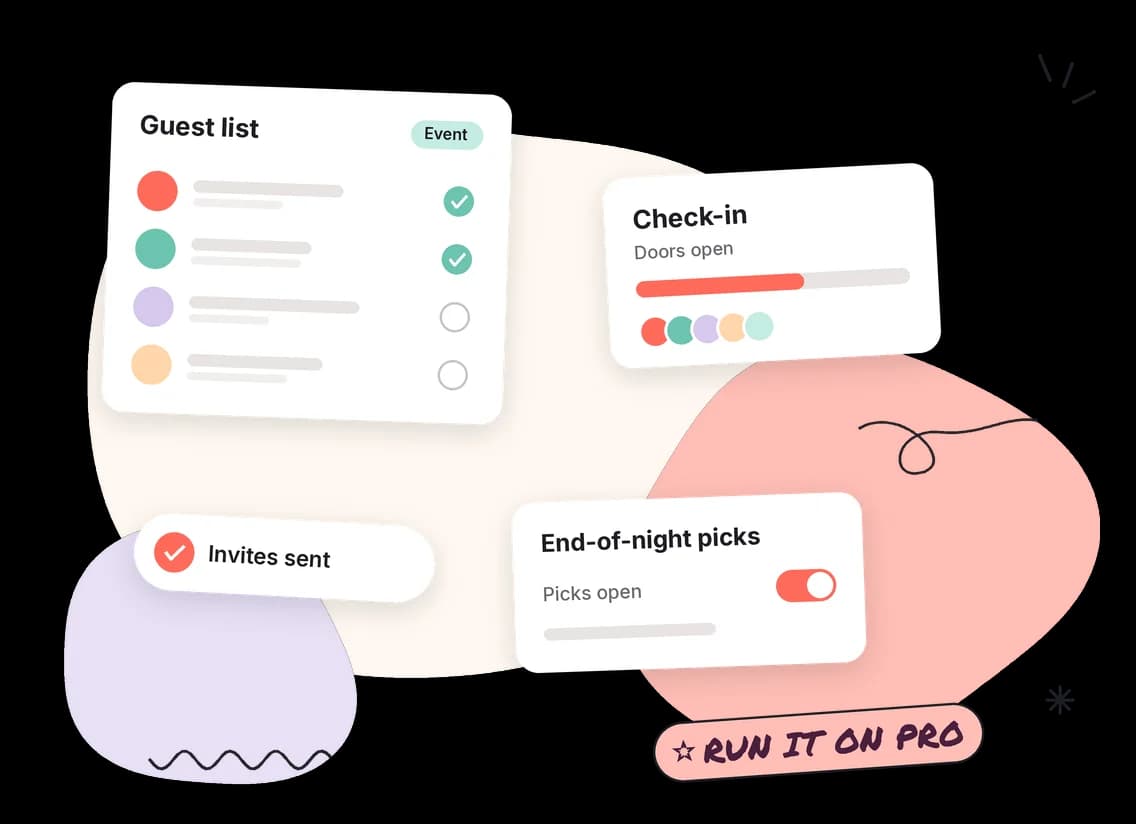
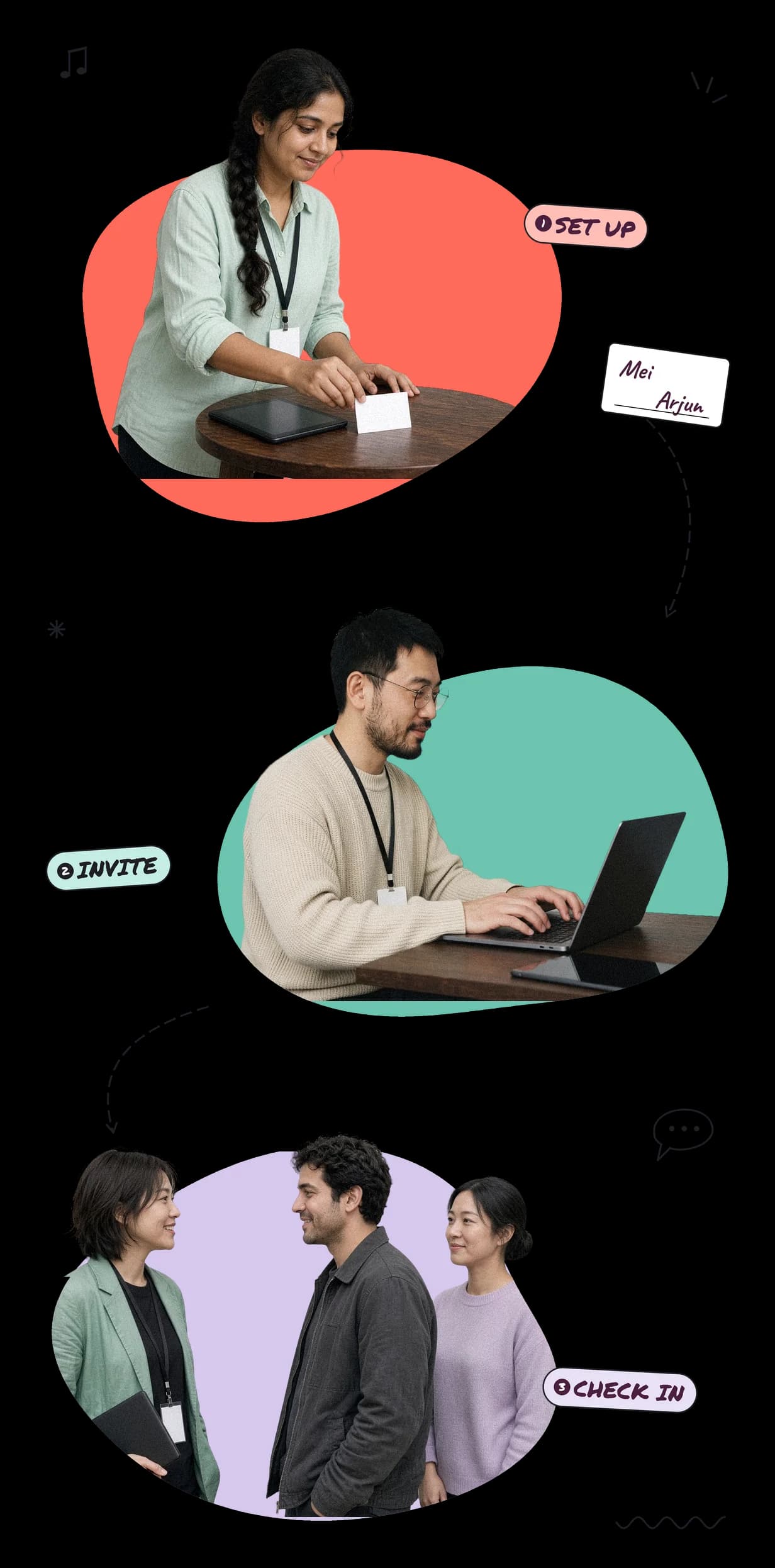
Add your guest list
Paste email addresses or upload a .csv or .txt file. Up to 250 guests per event.
Send personal invites
Each email carries a sign-in link, plus a QR code for the door if you scan guests in. No guest passwords or accounts.
Check people in
Scan codes with a phone at the door, or tick guests off the list.
Warm the room up
Guests open Bingo and icebreaker groups from their own event page, alongside your announcements.
Open picks
Mutual or one-way, with a pick limit if you want one. Guests pick from the people at the event and can add a note to a pick.
Close it and review
Results go out on each guest’s event page when you close picks. You see arrivals, activity and pick totals before the next night.
Your name on the night.
Your logo, your colours, your font. Make every Bingo and icebreaker room feel like you. On Pro, your branding carries through to each guest’s event page and picks, with your photo at the top.
- Set it once. Every room and event uses it. A room already running picks it up the next time a guest loads the page.
- We check contrast when you save, so text stays readable on a phone.
- Event invitations carry your logo and colours on the email card.
- Where Kemisu still shows. Invite emails come from Kemisu, with a small Kemisu line at the bottom. The page a guest taps through from the invite is Kemisu’s. Your public event page has the Kemisu name at the top and bottom.
Branding is on every paid plan. Event pages and invitations are on Pro and Studio. Studio also adds custom domains. Your first paid plan is free for 14 days.
Fern & Fig
Pro event, your brand

Swipe, drag or use the arrows to explore.
Pro is $29 a month.
Guests never pay.
Pro includes events, invitations, check-in, the guest event page and end-of-night picks. No per-guest fees.
Up to 250 guests per event. No monthly event limit.
Your first paid plan is free for 14 days. Add a card at checkout and nothing is charged until day 15. Cancel before then and you pay nothing.
Before your
first night.
- Mutual or one-way?
- You choose per event. Mutual means both people have to pick each other. One-way sends a guest’s contact to each person they pick, who can share theirs back. In mutual mode, a guest’s contact is only shared when both picked each other.
- Can I limit how many people a guest picks?
- Yes. You can set a pick limit.
- Does Kemisu pair people up?
- No. There is no algorithm and there are no suggestions. Guests choose for themselves, and results go out when you close picks.
- What is shared when picks close?
- Shared fields are the guest’s name and gender, any note left with the pick, and their contact details on the apps you turn on for the event, such as WhatsApp, Telegram, LINE or Instagram. Email is not one of the shared fields. In mutual mode, a guest’s contact is only shared when both picked each other.
- Does it run rotations or round timers?
- No. Keep your own floor format. Kemisu focuses on the cards, check-in and picks.
- What about ticketing?
- Keep your own. Kemisu is the layer for the room and the follow-up: invites, check-in, games and end-of-night picks.
- Will my guests see Kemisu?
- Mostly they see you. On every paid plan your rooms carry your logo, colours, font and background. On Pro and Studio so does each guest’s event page, and invitations carry your logo and colours. Kemisu shows as the invite email’s sender and in a small line at its foot, on the page a guest taps through from the invite, and at the top and bottom of your public event page.
- Do guests need an app?
- No. Everything runs in the phone’s browser.
- Do guests need an account?
- No. At an event they sign in with the personal link in their invite email. No password.
Set up your next
singles event.
Try Pro free for 14 days. Or try a card first, free and with no account.